Dragonfly Help > Customizing and Extending Dragonfly > Using Dragonfly Generators > Generating Simple Dataset Filters
Generating Simple Dataset Filters
The Filter Kernel Based Generator lets you to quickly and easily add new image filters to your image processing workflows.
Choose Developer > Simple Dataset Filter Generator on the menu bar to open the dialog shown below.
Filter Kernel Based Generator dialog
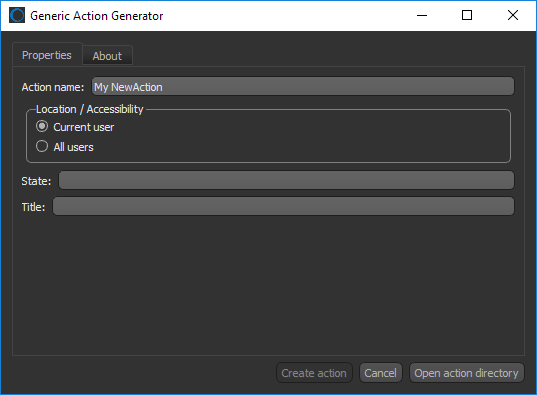
Refer to the developer documentation for more information about generating new image processing filters. Choose Help > Dragonfly Developer Documentation on the menu bar to access the developer documentation.

 LEARNING LINKS

