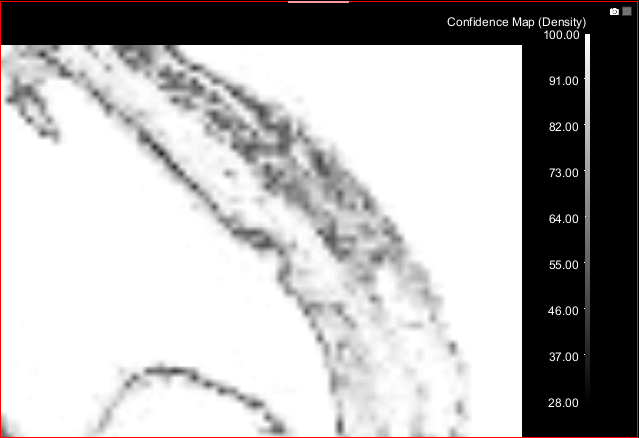
Result Panel
The Result panel, which is only available after a classifier is trained, provides options to review training results and threshold segmentations, as well as choose the export options.
Click the Result tab on the Machine Learning Segmentation dialog to open the Result panel, shown below.
Result panel
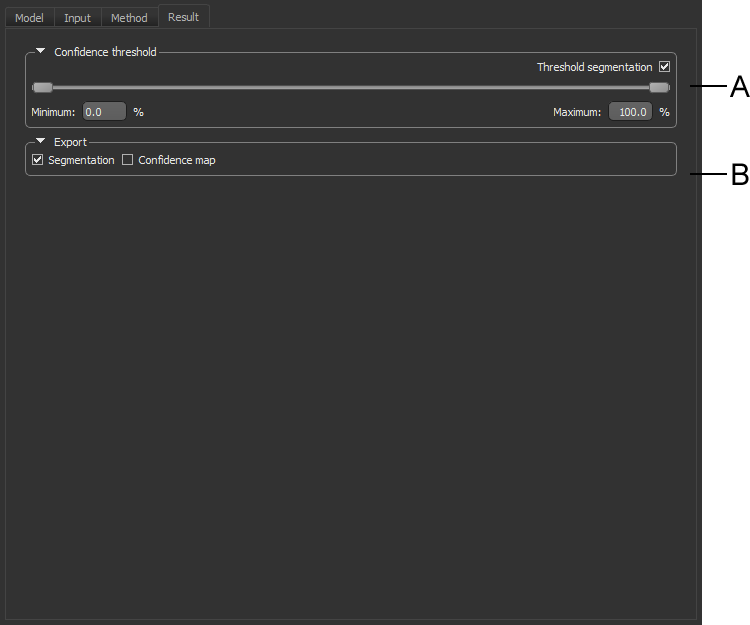
A. Confidence threshold B. Export options
 Confidence Threshold
Segmentation results can be thresholded based on a confidence level for the resulting classification on a scale of 0 to 100%. Thresholding can help you to evaluate the effectiveness of a trained classifier.
Confidence threshold

Export Options
When training is complete, you can export the segmentation results as a multi-ROI and/or a confidence map.
Export

| Description | |
|---|---|
| Segmentation |
If selected, the segmentation results will be exported to the Data Properties and Settings Panel as a fully segmented multi-ROI when the Segment button is clicked (see Export Options).
Note See Multi-ROI Properties and Settings for more information about multi-ROIs. |
| Confidence map |
If selected, a confidence map will be exported to the Data Properties and Settings Panel when the Segment button is clicked.
|